
How do I update my payment method?Updated 4 months ago
You can update your payment method anytime through your account.
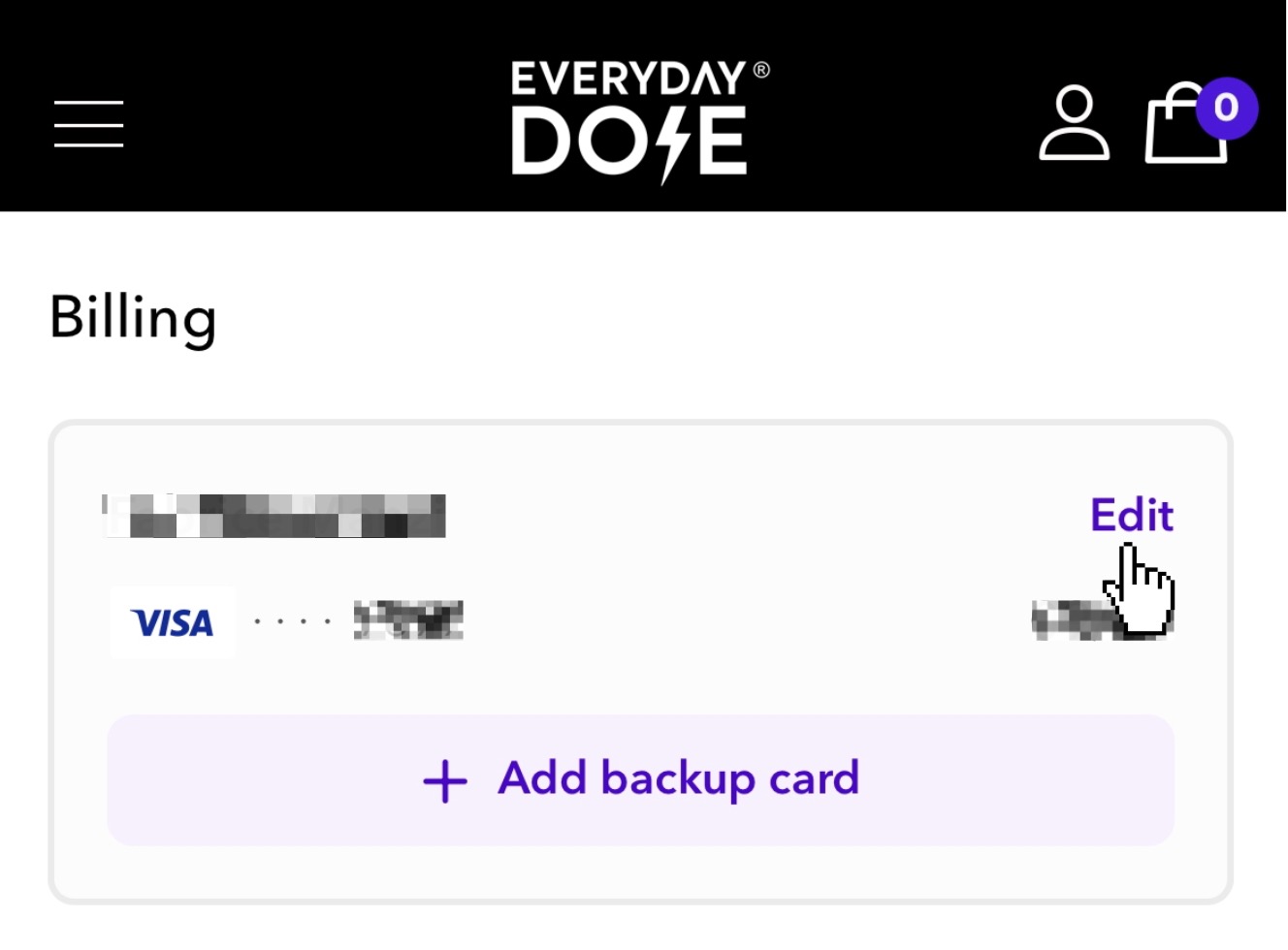
1️⃣ Log in to your account and scroll down to the Billing section below the Summary section.
2️⃣ Click Edit to view the card currently on file.
3️⃣ Then click Edit again to enter your new card details and billing address.
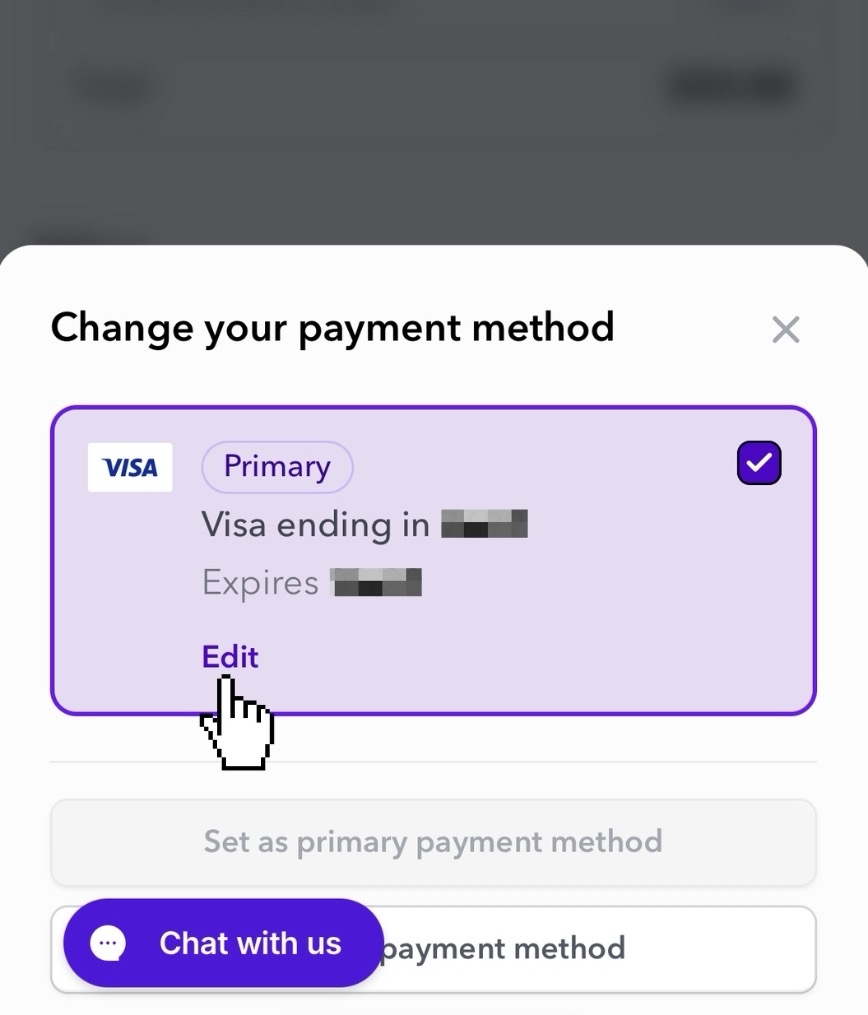
After saved, your new payment method will be used for future charges on your subscription.
If you’re having trouble updating your card or don’t see the Edit option, please contact our team here:
Contact SupportWe're happy to assist you!
debit card, add new credit card, debit card use