
How do I skip my next order?Updated 2 months ago
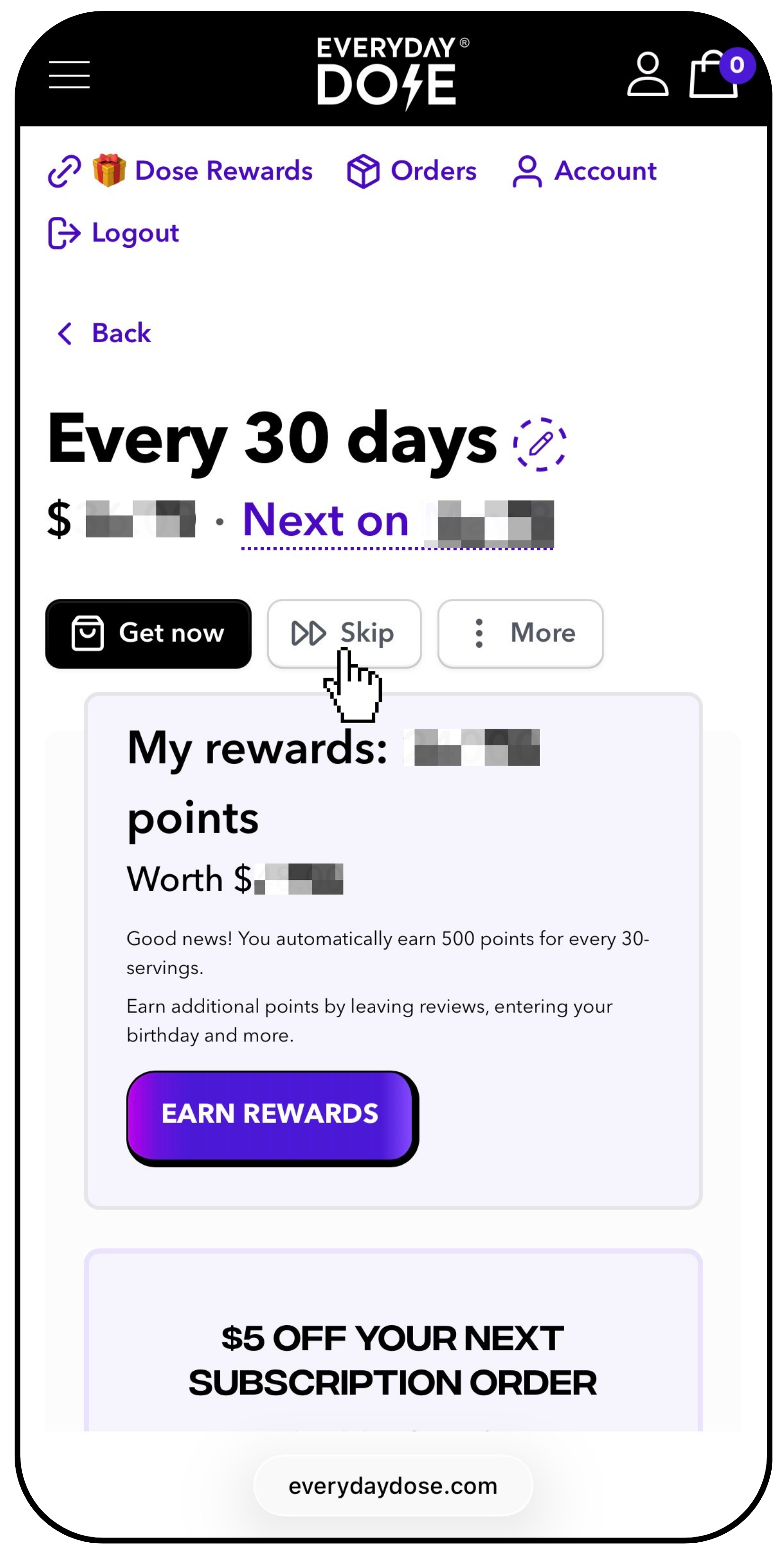
If you’d like to adjust your order or put your subscription on hold for a few weeks, just log in to your account and click Skip at the top of your subscription page.
You’ll then be able to delay your next order by 1, 2, or 4 weeks.
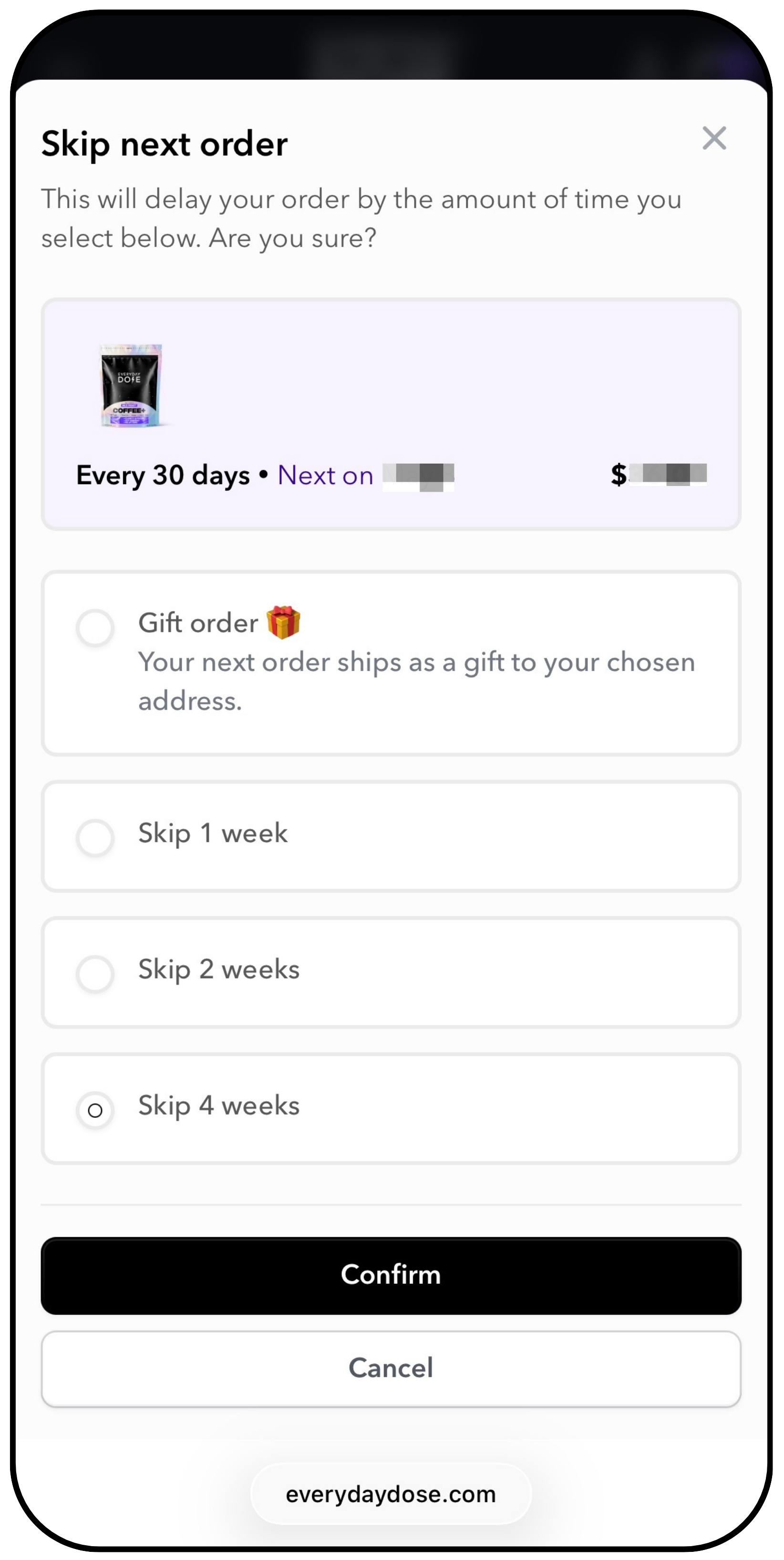
📌 Please note that this only affects your next upcoming order. It will not change any order that has already been placed or processed.
Still need help?
Our team is happy to assist you.
skip order, skip my order, skip next order, delay order, delay my order, postpone shipment, postpone delivery, reschedule order, reschedule shipment, move delivery date, change shipping date, adjust my order, change my order, change shipping time between orders, how to change shipping time, stop delivery, stop my order temporarily, pause next order, I want my order to ship later, stop delivery i still have product since I don’t use every day