
How do I edit my cart in your website?Updated 5 months ago
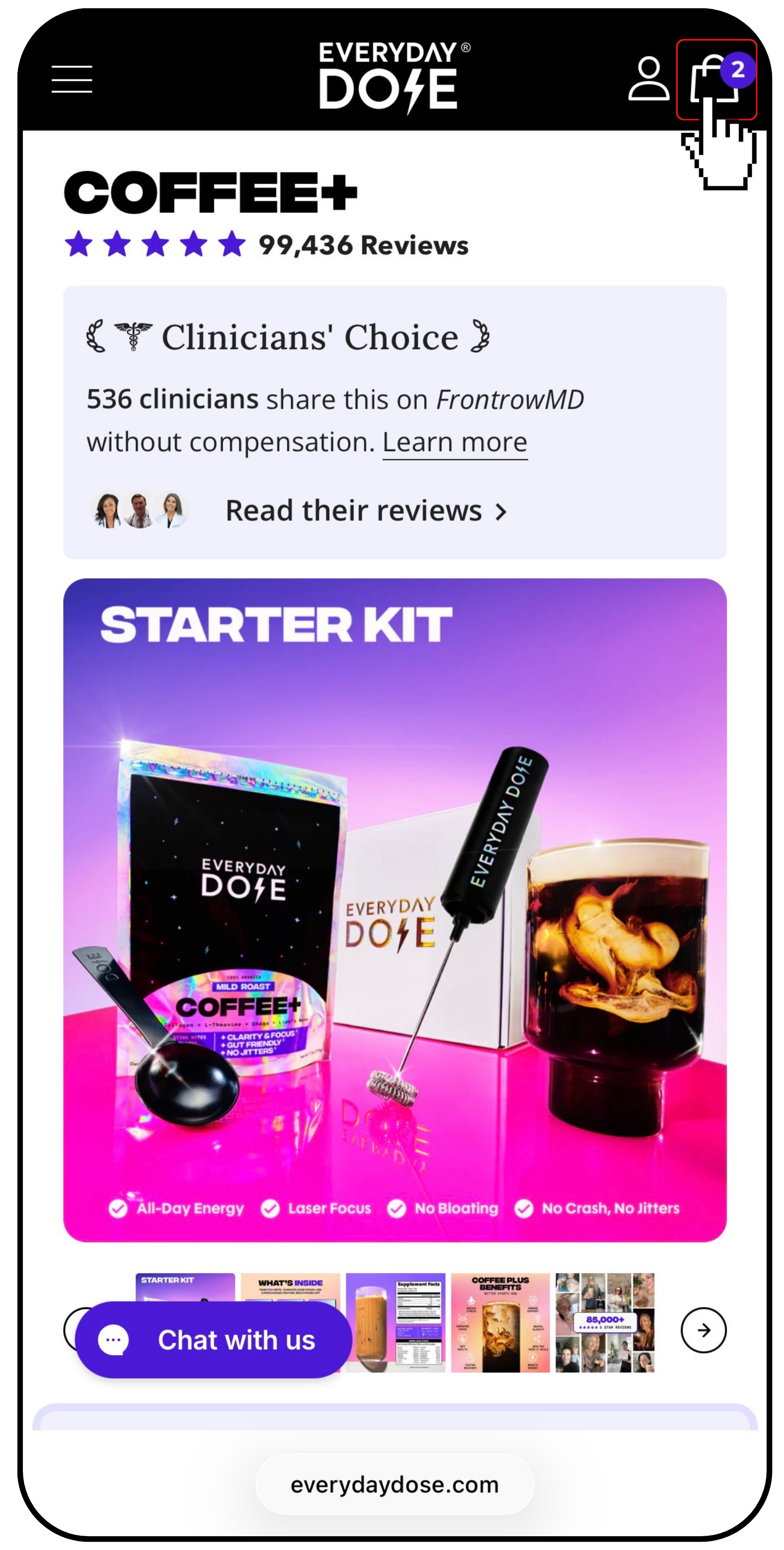
1️⃣ Click on the “Bag” icon in the top corner of the website.
2️⃣ A sidebar will open where you can:
- Click “Remove” to delete an item
- Use the arrow buttons to increase or decrease the quantity
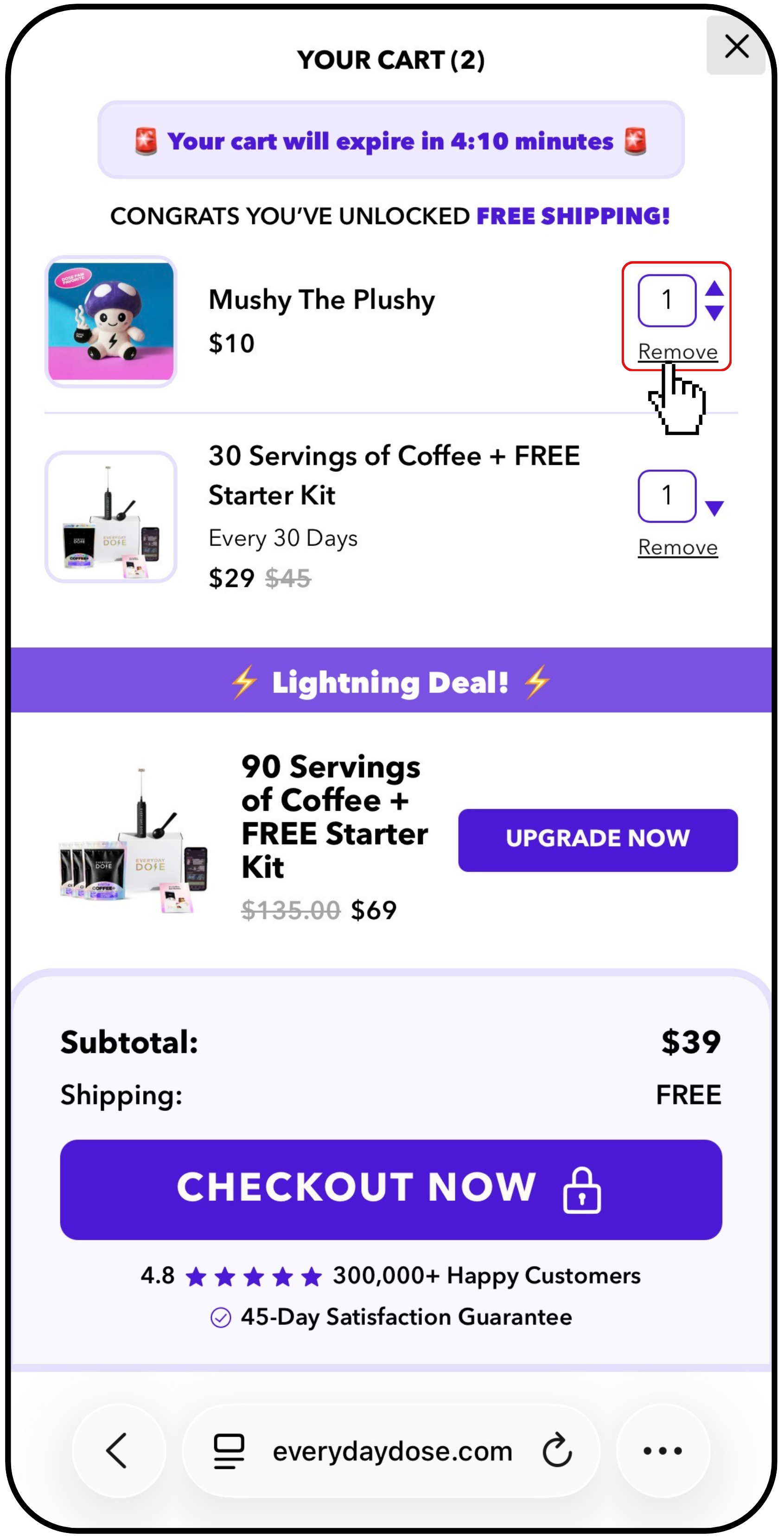
Once you’re ready, click “CHECKOUT NOW” to proceed to payment.