
How do I add or remove products from my subscription?Updated 4 months ago
Change your main product
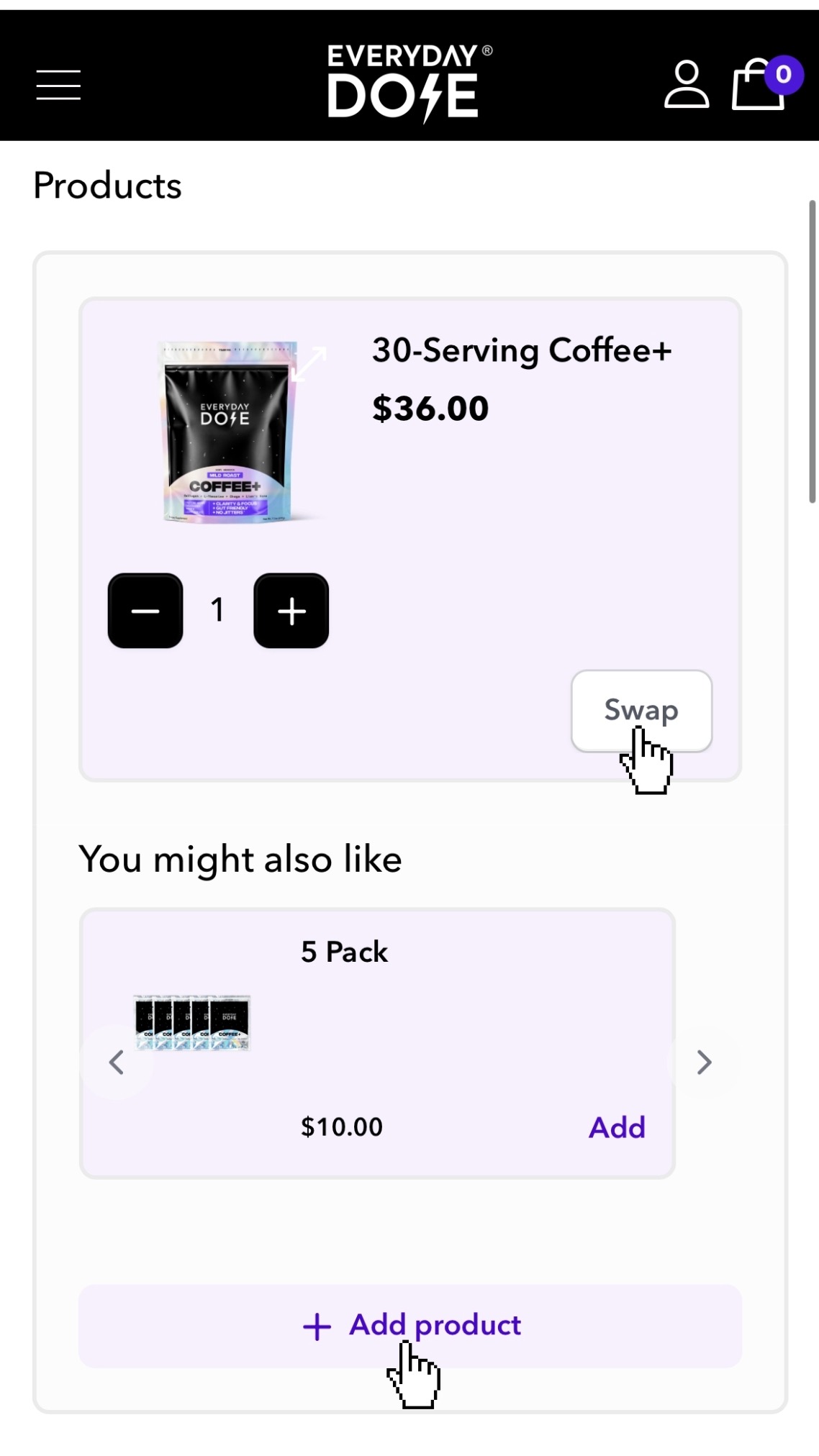
If you’d like to switch your main product, such as changing from Coffee to Matcha, click 'Swap' on the product box and select your new option.
Add a product
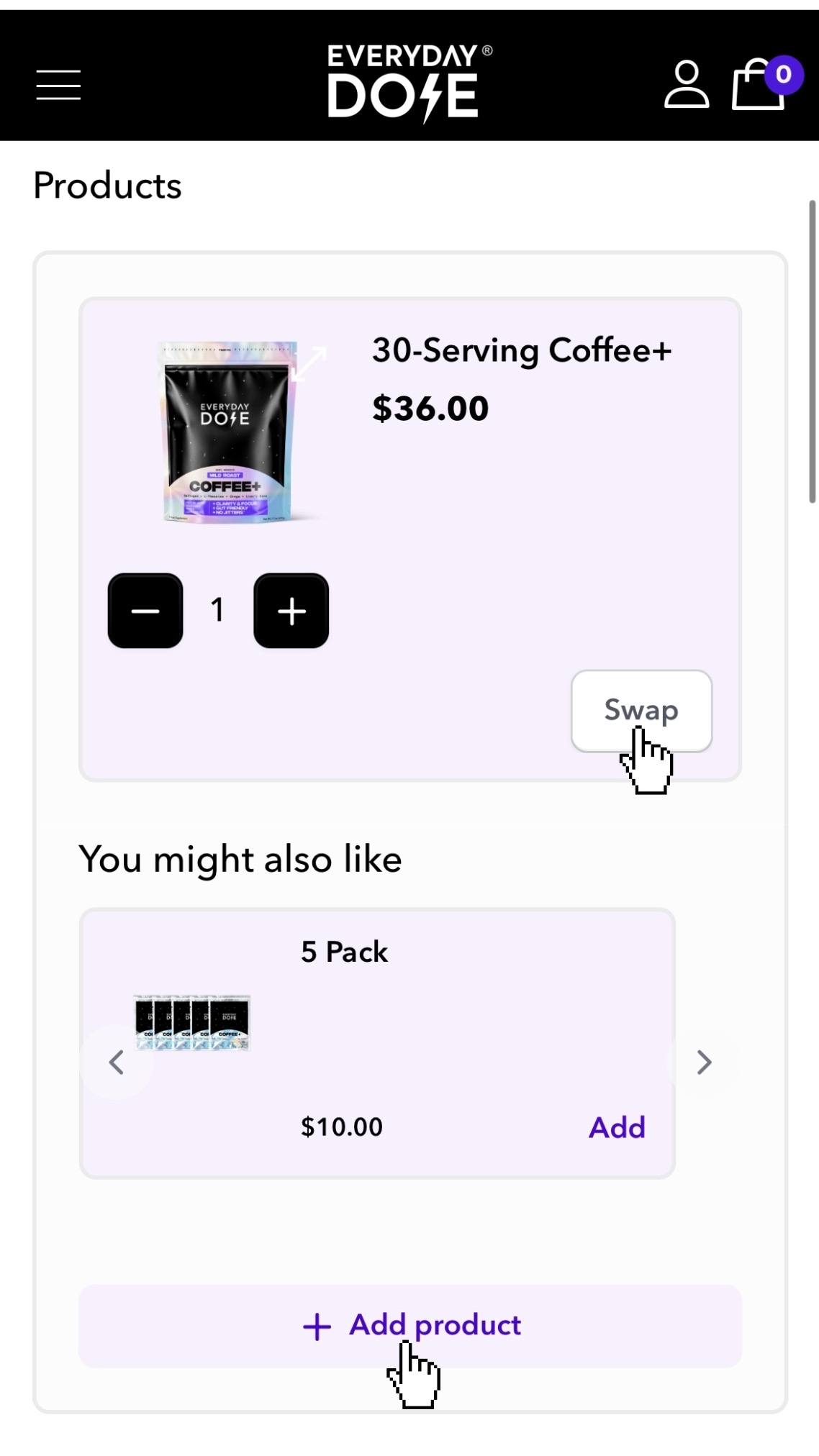
To add another product to your order, click 'Add product'. You’ll then see the available options.
After selecting a product, choose one of these options:
- Subscription - adds the product to your recurring subscription
- One-time - adds the product to your next order only
Remove a product
To remove a product, click the arrow next to the quantity to reduce it to zero. Then confirm that you’d like to remove it.
Still need help?
Our team is happy to assist you.
add product to subscription, remove product from subscription, change product in subscription, swap product, switch coffee or matcha, edit subscription items, change my subscription items, can I change the item I get auto delivered, change auto delivery item, update products in my subscription, add item to next order, remove item from next order, modify subscription products, adjust my order items, change what I receive, how to add products to my order, how to remove products from my order, switch to medium roast, switch to mild roast, how do i change my, can i switch to mild roast, change orders to, can substitutions be made on a subscription, can i swap a coffee dose to try matcha, how to add on items to subscription, exchange, can protein coffee be substituted for mild roast one